
Guides
Punch Walls to Escape beginner guides and walkthroughs: learn the punch, vacuum, sell and upgrade loop and escape your first sentence fast.
Introduction
The Guides hub is the fastest way to learn Punch Walls to Escape from the ground up, whether you just spawned inside a solitary cell or you are already farming a Hard dig. Our step-by-step articles walk through the whole journey: how to punch brick blocks loose, when the vacuum becomes more efficient than swinging, how the Bottomless Bucket turns rubble into cash, and what order you should spend that cash on fists, vacuum upgrades and new tools. Every guide explains the why behind the steps, not just the what, so you understand the escape loop instead of blindly following a checklist. We keep the guides free to use and free-to-play friendly, because the entire game runs on accumulated cash rather than premium currency. Worksheets cover difficulty sentences, unlock chains and chapter content, and each article flags community-reported values so you always know what is confirmed and what is still being tested.
Guide Types Quick Reference
| Guide Type | Focus | Best For |
|---|---|---|
| Beginner / How to Play | First punches, first cash, first escape | New prisoners in the first session |
| Difficulty & Progression | Sentences, unlock chains, tunnel routes | Players grinding Normal to open Hard |
| Upgrades & Tools | Spending order, tool line, economy | Efficient diggers and long runs |
Core Topics
Beginner Flow
A first-prisoner checklist from spawn to first escape
Difficulty & Progression
Sentences, unlock chains and the fastest escape routes on each difficulty
Upgrades & Tools
The smart spending order, the tool line and the bucket economy behind it
Core Mechanics
Every guide on this page is built around the confirmed core loop of Punch Walls to Escape: you punch wall blocks loose one by one, vacuum up the loose rubble, dump each load into the Bottomless Bucket, and spend the cash on upgrades and tools that make the loop faster. Because the game still is developing quickly, the guides hub is kept in sync with each patch so the upgrade order and tool advice stay accurate. The guides also explain how the three sentences work, how the prison yard multiplayer changes the pace, and how Chapter 2 with Big Tony extends the story. We break each system into digestible steps, list the resources you need up front, and mark community-reported values so you know what is confirmed by the official Roblox page and what still needs verification. When a patch changes the economy or adds a tool, we aim to update the relevant guides within a few days.
Advantages
Following the Guides hub shortens your learning curve dramatically. Instead of experimenting with every upgrade path and tool tier, you get a tested order of operations that avoids common new-player mistakes like buying the wrong tool early or upgrading the vacuum before your fists can break enough blocks. The guides are free-to-play friendly because all progress is earned through the bucket loop, so every tip works whether you play alone or with friends. With the multiplayer sections explained, you also know exactly when teaming up multiplies your dig speed. Because every guide lists the sentence, upgrade and tool checkpoints, you can measure your progress instead of guessing. The step-by-step format also makes it easy to share with friends who are joining late, so your whole escape crew punches at the same pace.
Challenges
Punch Walls to Escape changes fast, and guides can fall behind a new update for a short window while editors verify the latest numbers. Some systems, like exact punch damage and tool cost values, are community-reported rather than officially confirmed, so specific figures may shift between patches. Beginners should treat the guides as a strong starting point but double-check the Updates page whenever a patch drops. The wiki is community-maintained, so a brand-new update may briefly have thinner coverage while editors test the new systems. If a guide references a feature that no longer exists after a patch, check the Updates page or the official Roblox page for the latest version notes. We deliberately avoid unverified claims, including any third-party code lists, because no code system can be confirmed in game.
Frequently Asked Questions
What should I do in my first minutes in the game?+
Is Punch Walls to Escape free to play?+
How do I get strong fast?+
Quick Tips
Keep the dig pointed at the exit. Players who spread punches across random wall blocks create long wasted routes, while a straight tunnel shortens the sentence and the cash you need to earn. Decide the direction once and keep every upgrade accelerating that same straight path, and you will shave minutes off every run.
Vacuum as you go. Loose rubble left on the floor is unsold cash, so clear each pile soon after it falls. A steady habit of vacuum and sell keeps the bucket paid and your cooldowns busy, which makes the entire punch, vacuum, bucket loop dramatically more efficient on every difficulty.
Pick the sentence that matches your goal. Easy is a short run for learning, Normal is the standard progression and the only path to unlocking Hard, and Hard is the longest grind. A new player on Hard can burn a lot of time, so treat sentence choice as part of the strategy rather than just a difficulty label.
Featured
Punch Walls to Escape before you play: Sentence Difficulty
Before you play Punch Walls to Escape, know that your sentence sets the dig length: Easy is short, Normal longer, and Hard the longest tunnel of all.

Punch Walls to Escape beginner guide: Solitary Confinement Basics
Start this Punch Walls to Escape beginner guide by punching blocks loose, vacuuming rubble, and dumping it in the Bottomless Bucket for instant cash.
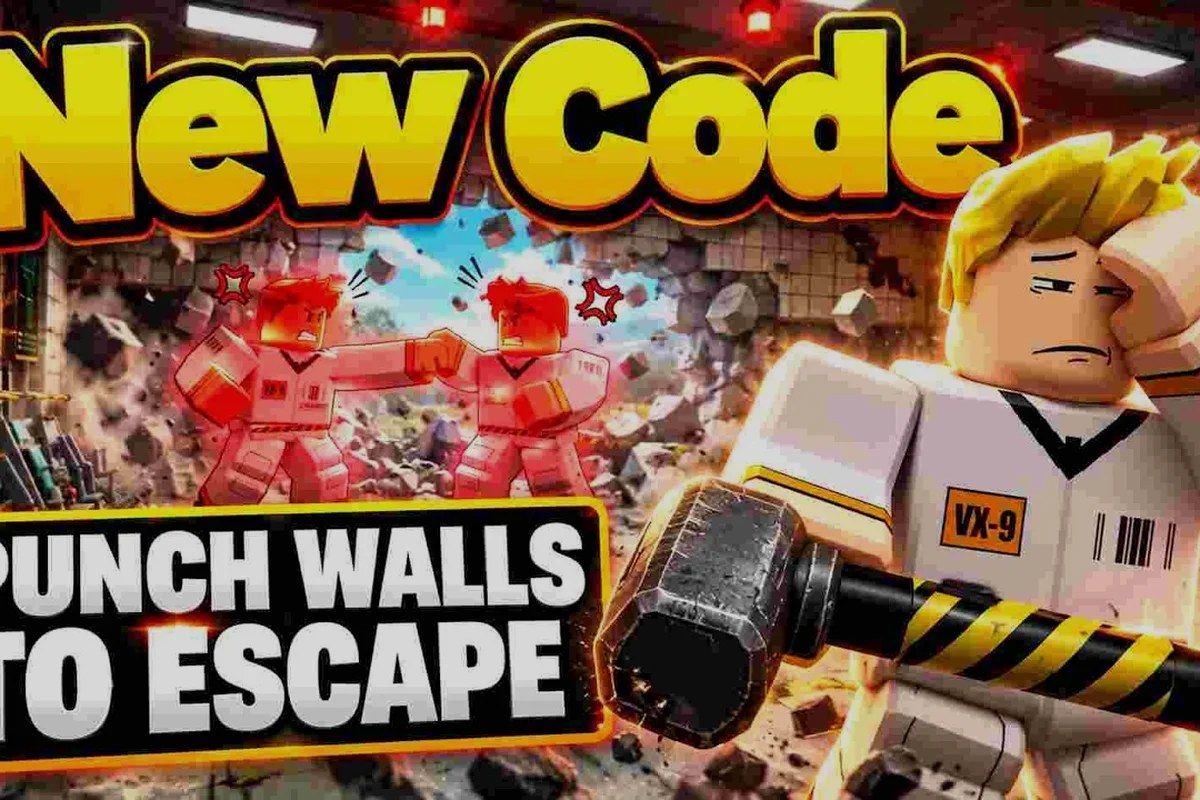
Punch Walls to Escape beginner mistakes that waste your dig
Avoid the classic Punch Walls to Escape beginner mistakes: crooked tunnels, wasted rubble and early tool splurges that stall your escape before it starts.
All Articles
Punch Walls to Escape controls guide: Keybinds and Mobile Touch
Punch Walls to Escape controls guide explains punching, vacuuming, rubble collection, and Bottomless Bucket sales on keyboard and mobile.
Punch Walls to Escape for New Players: First Hour Tips
New to the cell? This Punch Walls to Escape for new players walkthrough covers your first hour, from choosing a sentence to your first cash upgrades.
Punch Walls to Escape fps boost for smoother rubble runs
Improve Punch Walls to Escape fps with practical mobile and console settings that reduce lag, stabilize frame pacing, and keep rubble runs responsive.
Punch Walls to Escape gameplay: The Break-Earn-Upgrade Cycle
Learn Punch Walls to Escape gameplay, from punching blocks and vacuuming rubble to dumping it in the Bucket, earning cash, and upgrading tools.
Punch Walls to Escape how to get cash with faster rubble runs
Learn how to get cash in Punch Walls to Escape by timing vacuum runs and dumping rubble in the Bottomless Bucket, then spending it on the two upgrade tracks.
Punch Walls to Escape Roblox game explained: Loop and Length
Punch Walls to Escape Roblox game explained: learn how the dig-to-cash loop works, what affects escape time, and which settings suit your device.
Punch Walls to Escape Roblox guide: Place ID & 4-Player Cells
Start this Roblox Punch Walls to Escape guide in the prison yard, where up to 4 players share a cell and dig past place ID 136606353774156 together.